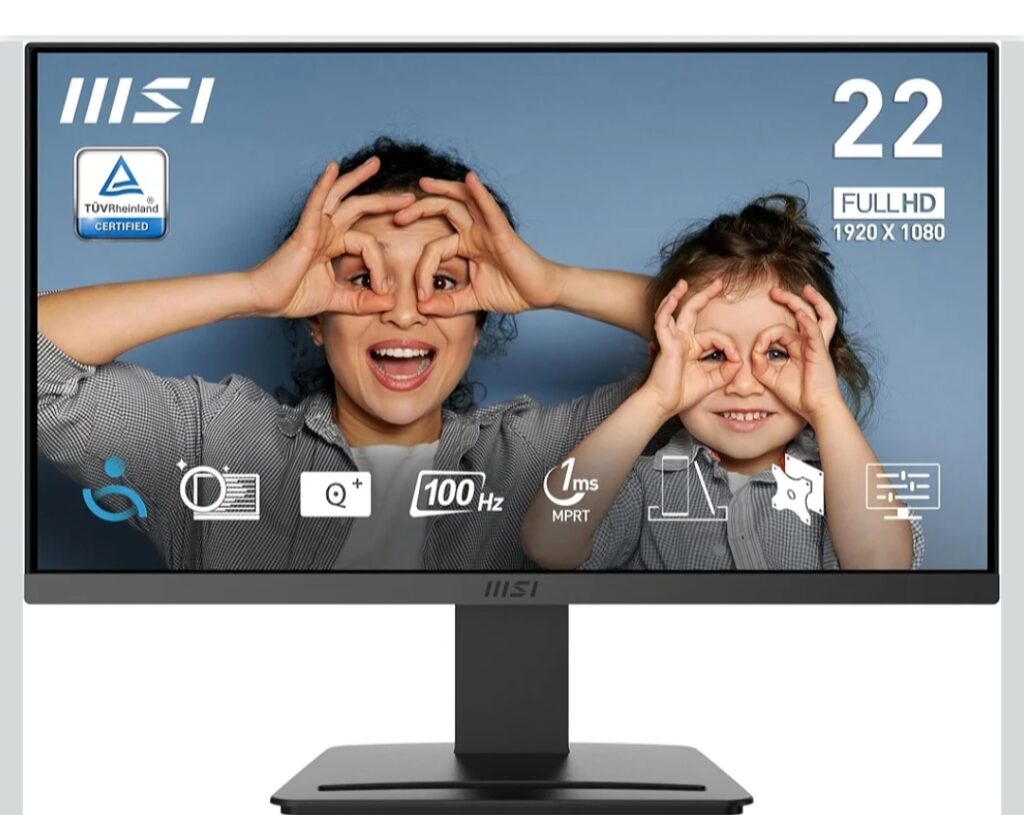
If you’re looking for an affordable monitor that balances performance, eye comfort, and modern features, the MSI PRO MP223 E2 is a strong contender. Designed mainly for office users, students, and casual home setups, this monitor offers a smooth 100Hz refresh rate, Full HD resolution, and eye-care technologies at a competitive price point.
Overview of MSI PRO MP223 E2
The MSI PRO MP223 E2 is a 21.45-inch Full HD monitor aimed at productivity-focused users. Whether you work from home, attend online classes, or need a reliable secondary display, this monitor delivers consistent visuals without straining your eyes.
Backed by MSI, the PRO series emphasizes durability, display clarity, and long-hour comfort.
| Feature | Details |
| Screen Size | 21.45 Inch (54.48 cm) |
| Resolution | Full HD (1920 × 1080) |
| Refresh Rate | 100Hz |
| Panel Type | VA |
| Aspect Ratio | 16:9 |
| Brightness | ~250 nits |
| Ports | HDMI 1.4b, DisplayPort 1.2a |
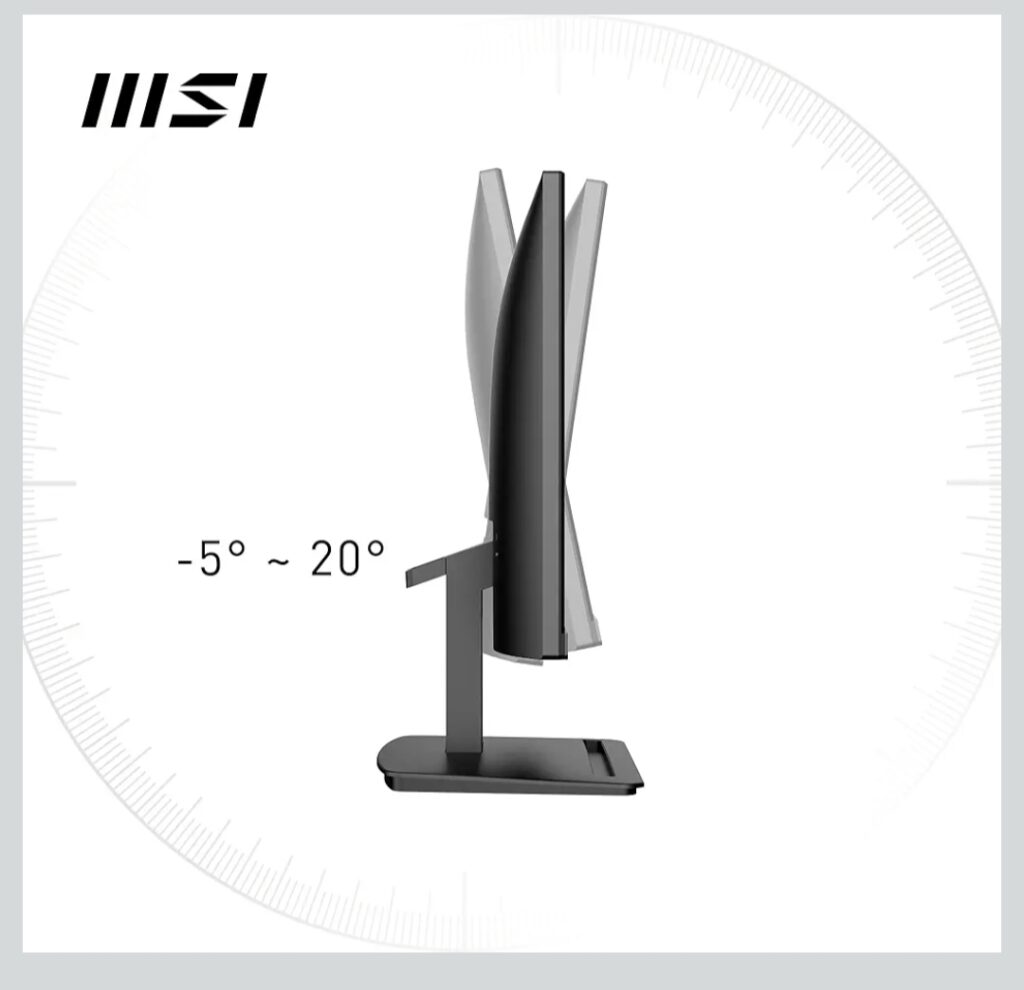
| Adjustability | Tilt-adjustable stand |
| Color | Black |
| Eye Care | Anti-Flicker, Low Blue Light |
Display Quality & Performance
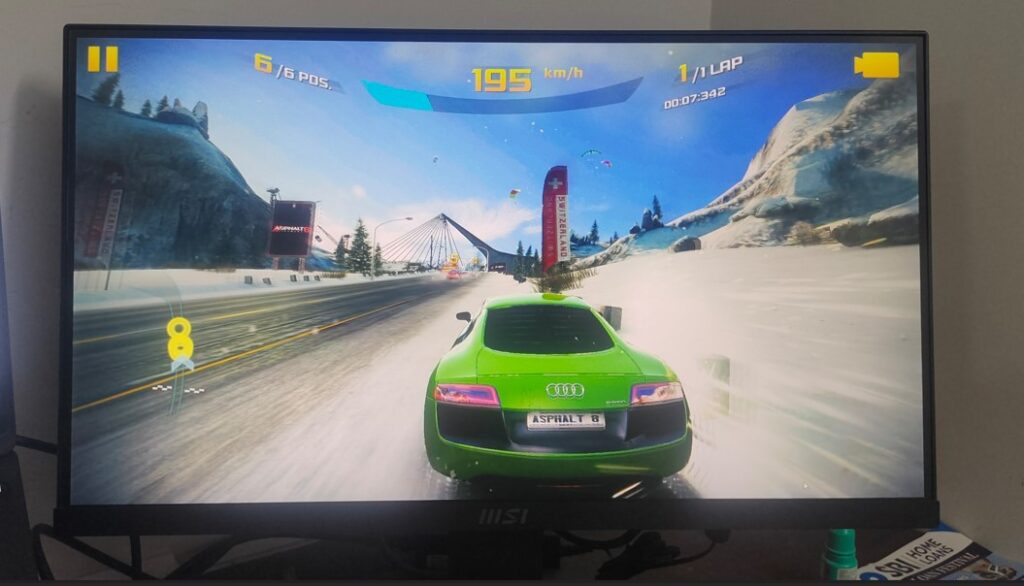
The Full HD resolution on a 21.45-inch VA panel delivers sharp text and decent color reproduction. What stands out is the 100Hz refresh rate, which is smoother than standard 60Hz monitors. Scrolling web pages, spreadsheets, and even light gaming feel noticeably fluid.
While it’s not meant for professional color grading, it performs well for:
- Office work
- Online meetings
- Content consumption
- Casual gaming
Eye-Friendly Features for Long Hours
One of the biggest highlights of the MSI PRO MP223 E2 is its eye-care technology. MSI includes:
- Anti-Flicker technology to reduce screen flickering
- Low Blue Light mode to minimize eye strain
- Has a cavity to hold your phone.
These features make it ideal for users who spend long hours in front of the screen—especially programmers, writers, and remote workers.
Design & Build Quality
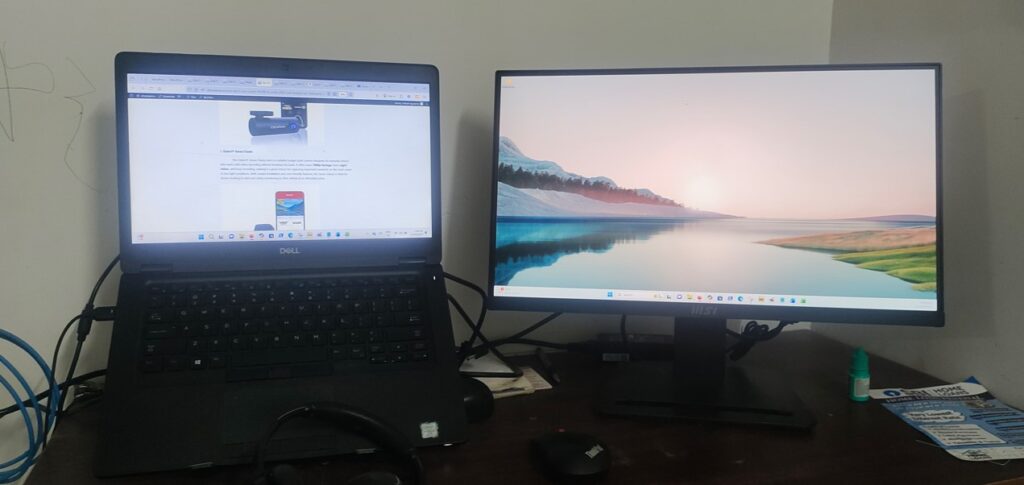
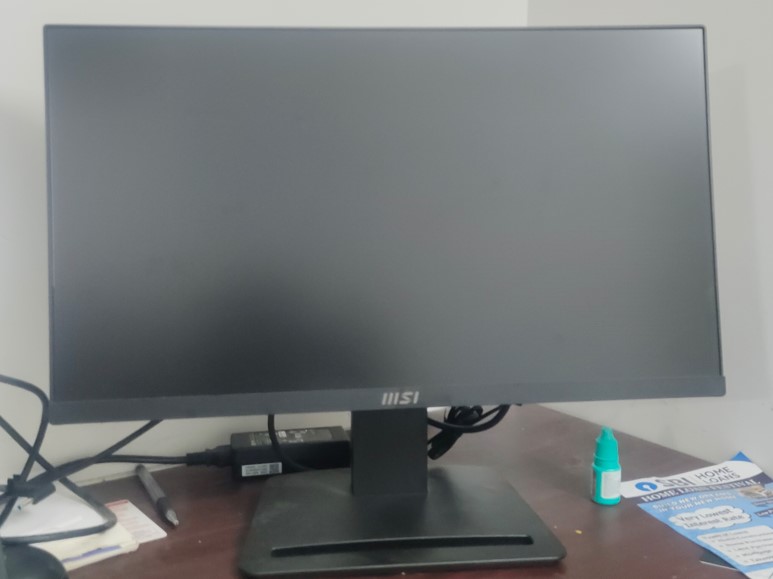
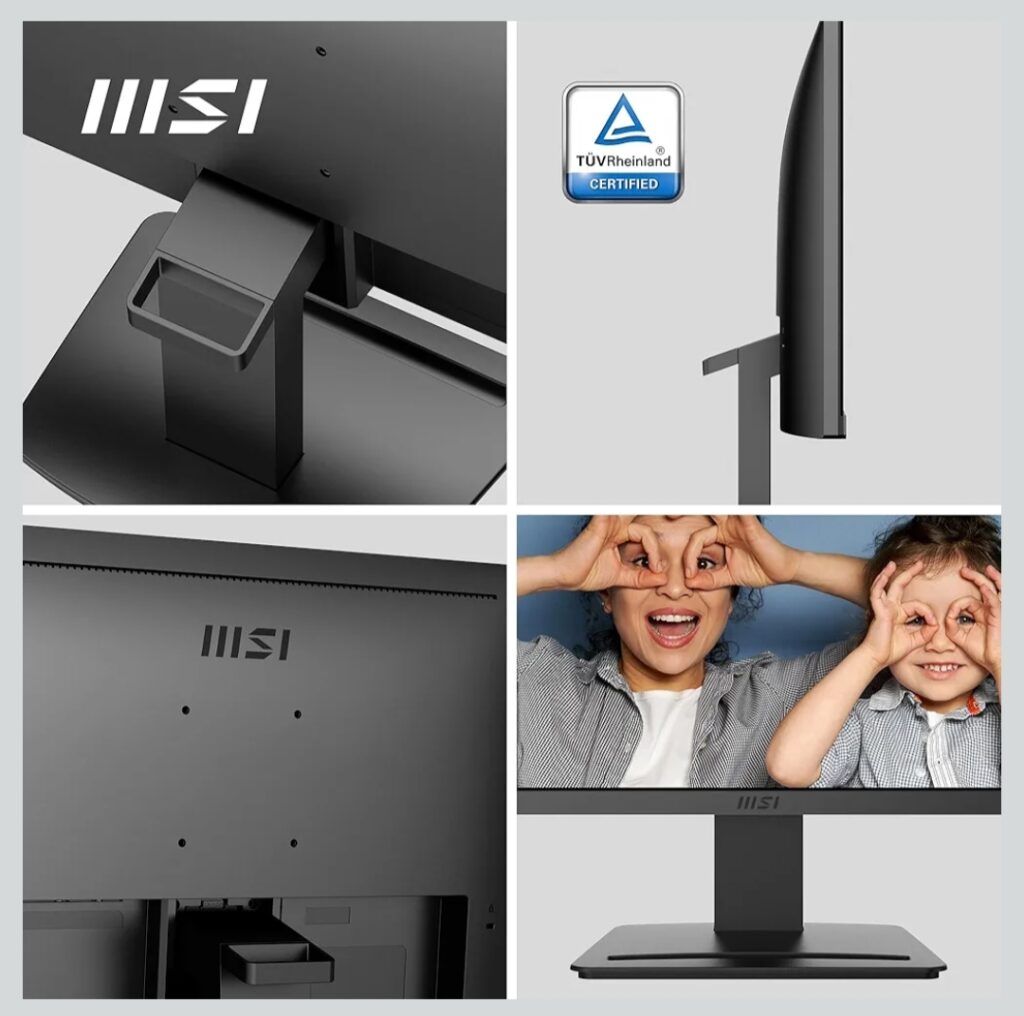
The monitor sports a minimalist, professional design that fits well in office or home environments. The tilt-adjustable stand allows basic ergonomic adjustment, and the slim bezels give it a clean look for multi-monitor setups.
Though height adjustment isn’t available, the overall build quality feels solid for its price range.
Connectivity Options
The MSI PRO MP223 E2 comes with:
- HDMI 1.4b – suitable for laptops and desktops
- DisplayPort 1.2a – preferred for stable high refresh rates
This ensures compatibility with modern PCs, laptops, and even compact mini-PC setups.
Who Should Buy This Monitor?
This monitor is a great choice if you:
- Need a budget-friendly office monitor
- Want a 100Hz display for smoother daily use
- Work long hours and need eye protection features
- Are setting up a home office or student desk
It may not be ideal if you require:
- Height or swivel adjustments
- Professional-grade color accuracy
- High-end gaming features like HDR or high response tuning
Pros and Cons
✅ Pros
- Smooth 100Hz refresh rate
- Eye-friendly display features
- Full HD clarity for productivity
- DisplayPort + HDMI support
- Clean, professional design
❌ Cons
- No height or swivel adjustment
- Average brightness for outdoor-lit rooms
- Not suitable for professional color work
- Final Verdict
- The MSI PRO MP223 E2 is an excellent value-for-money Full HD monitor for everyday productivity. Its 100Hz refresh rate, eye-care technologies, and reliable build make it a smart upgrade from basic 60Hz displays—especially for office users and students in India.
- If you’re building a budget workstation or looking for a dependable secondary monitor, this one deserves serious consideration.
Link to buy this monitor: https://amzn.to/49yu8fK
FAQ:
❓ Is MSI PRO MP223 E2 good for office work?
Yes, the MSI PRO MP223 E2 is excellent for office and work-from-home use. Its Full HD resolution, 100Hz refresh rate, and eye-care features make long working hours comfortable.
❓ Does MSI PRO MP223 E2 support 100Hz on HDMI?
Yes, the monitor supports up to 100Hz via HDMI 1.4b and DisplayPort 1.2a, depending on your system and cable quality.
❓ Is this monitor suitable for gaming?
It is suitable for casual gaming. The 100Hz refresh rate offers smoother gameplay than standard 60Hz monitors, but it is not designed for competitive esports gaming.
❓ Does MSI PRO MP223 E2 have speakers?
No, this monitor does not come with built-in speakers. External speakers or headphones are required.
❓ Is the MSI PRO MP223 E2 VESA mount compatible?
Yes, it supports VESA mounting, allowing you to use monitor arms or wall mounts for better ergonomics.
❓ What panel type is used in MSI PRO MP223 E2?
The monitor uses a VA panel, offering better contrast ratios compared to IPS panels in the same price range.
❓ Is MSI PRO MP223 E2 good for students?
Absolutely. It is ideal for students due to its eye-friendly screen, smooth refresh rate, and affordable pricing.